
A Useful Easy to Install and Configure Module
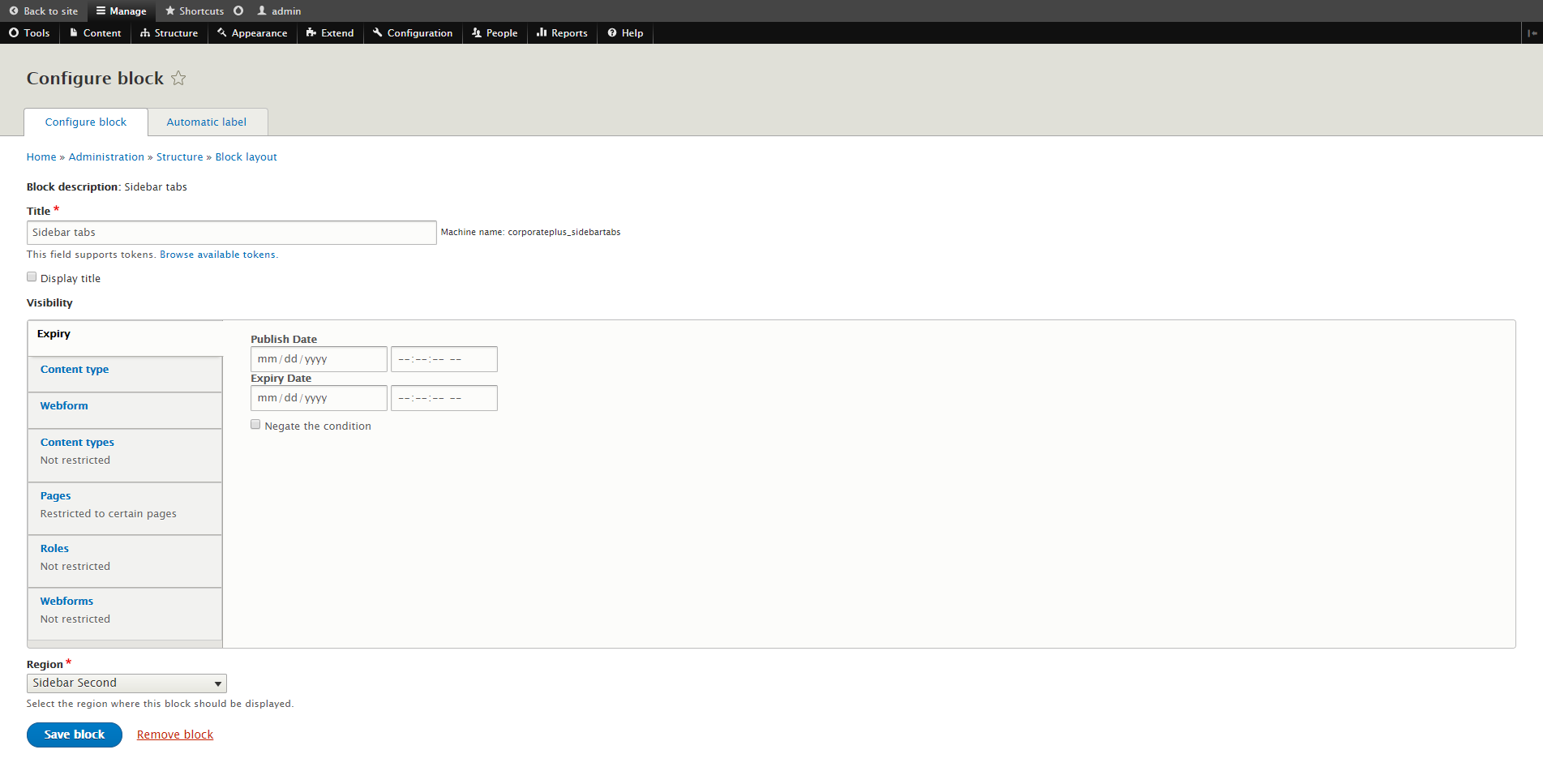
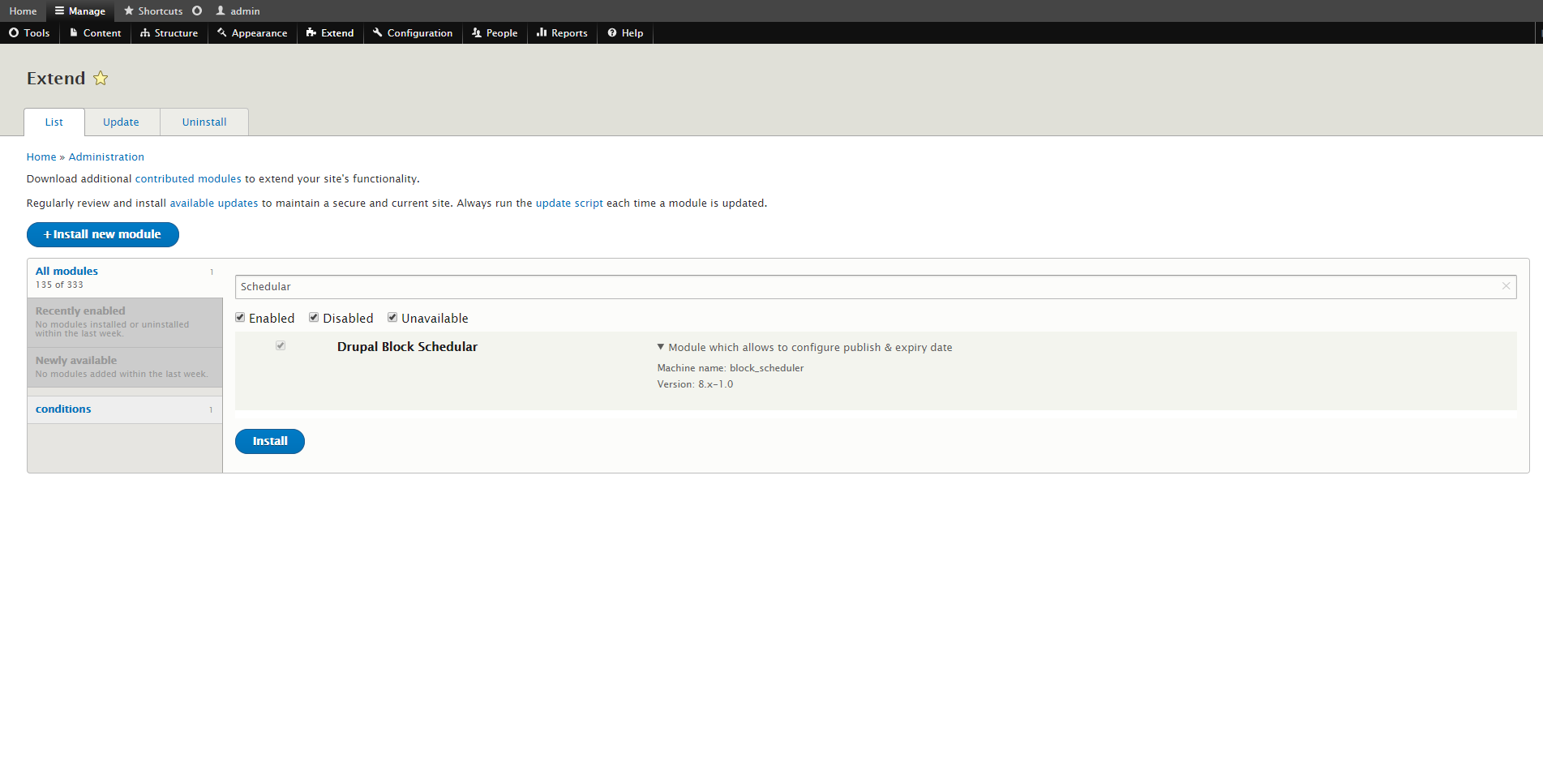
The Block Scheduler Module is a simple but very handy Drupal module that enables Drupal site builders to schedule the publication and expiration of any block on a Drupal website. The module installs using the standard module installation procedure. For Drupal 8 websites, the best practice for added module code to a Drupal website is by using the PHP composer utility. Once that step is complete the module can be enabled via the {site}/admin/extend page. Once enabled, this module adds an additional tab to all Drupal block configuration pages. The configuration tab for this module displays two fields, one for the publication date/time and one for the expiration date/time.
The possibilities for, and the usefulness of this simple module are plentiful, so that site content within any block can appear and disappear automatically as desired by schedule. An example use case for this module is the publication of a current product sale that expires at a given date/time. This module can also be used for features like automatically displaying an website downtime/maintenance alert block that can be schedule to appear at a specific date/time when the site manager need not be present on the site when the notice first appears.