
Introduction
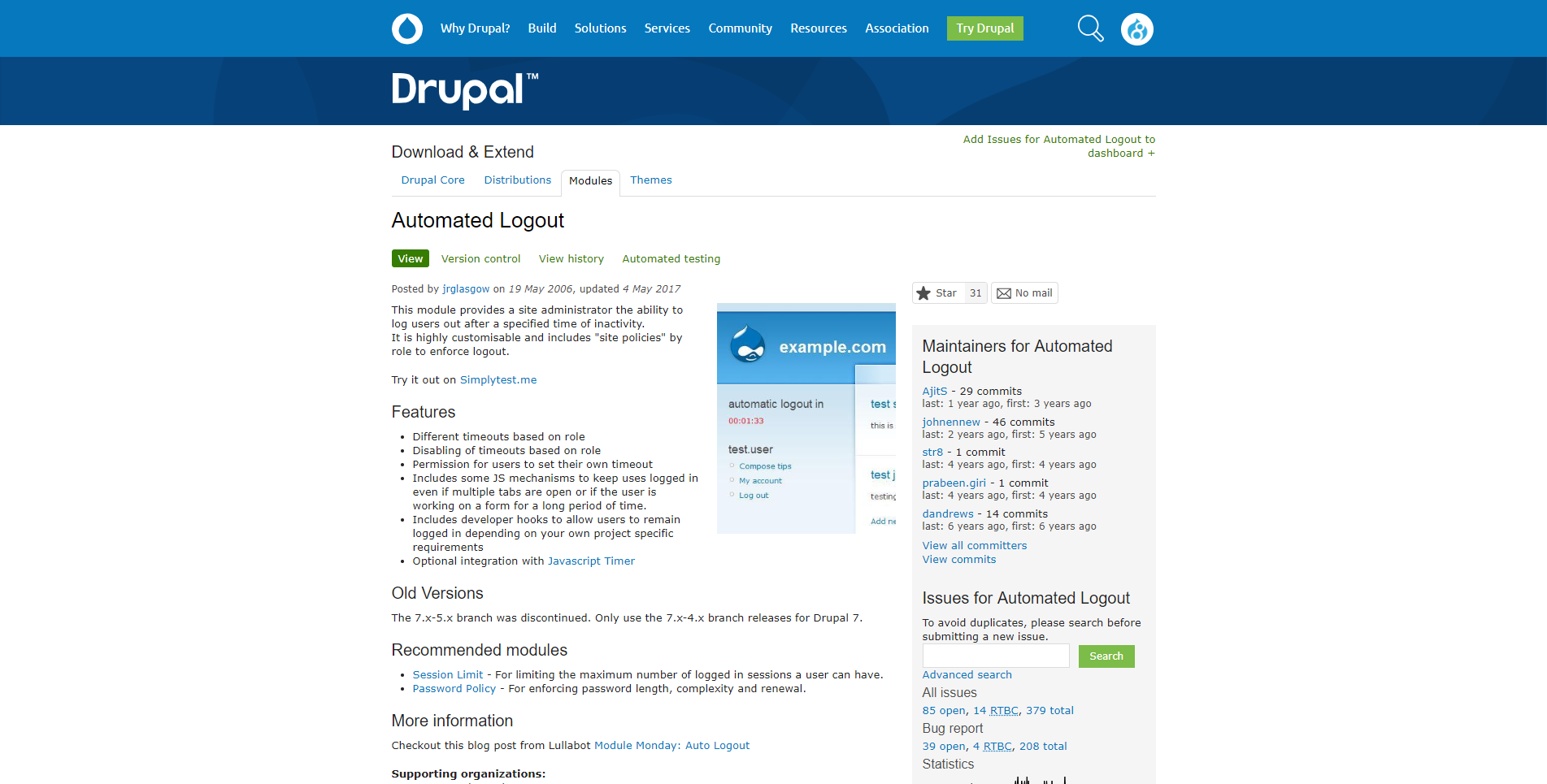
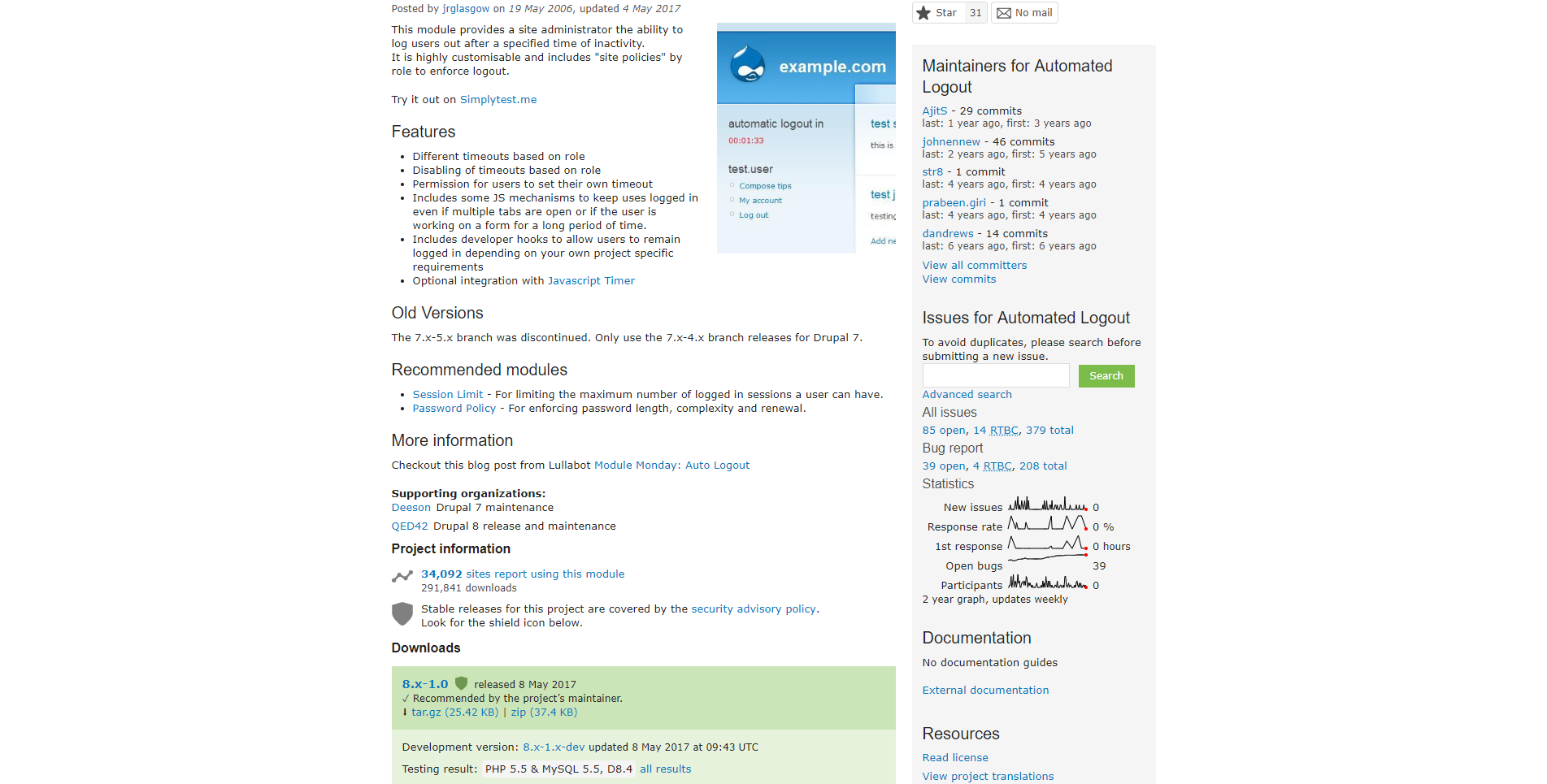
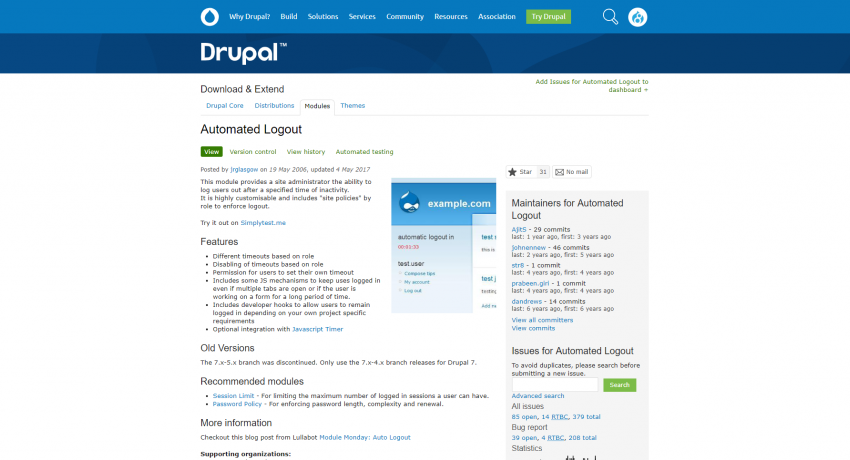
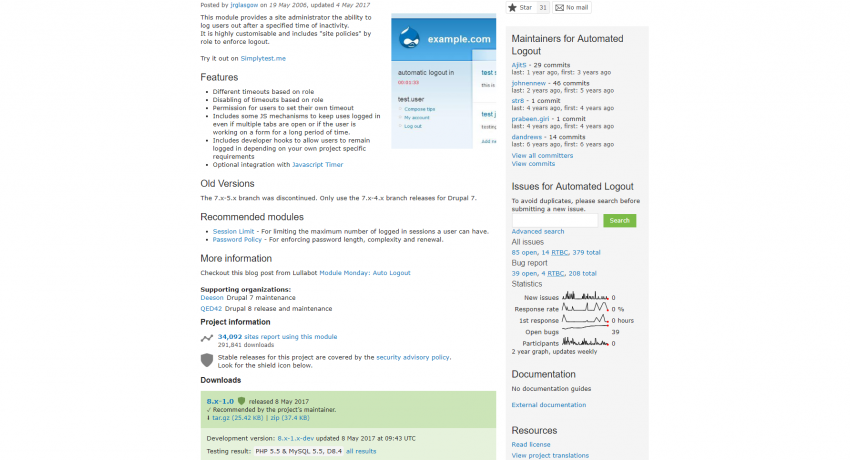
For some websites an important aspect of security is logging out users whose sessions have been idle for a while. The Drupal Automatic Logout Module enables Drupal website administrators to configure timeout periods for users, based on a variety of parameters, such as on their Drupal role, after which Drupal automatically logs the user out of their Drupal session. This module is one of hundreds of Drupal user and role management modules that implement countless focused features for Drupal websites.
With Drupal 8, code for modules is loaded onto the website's server using the command line code package and version dependency management tool called composer.
php composer.phar require drupal/autologout
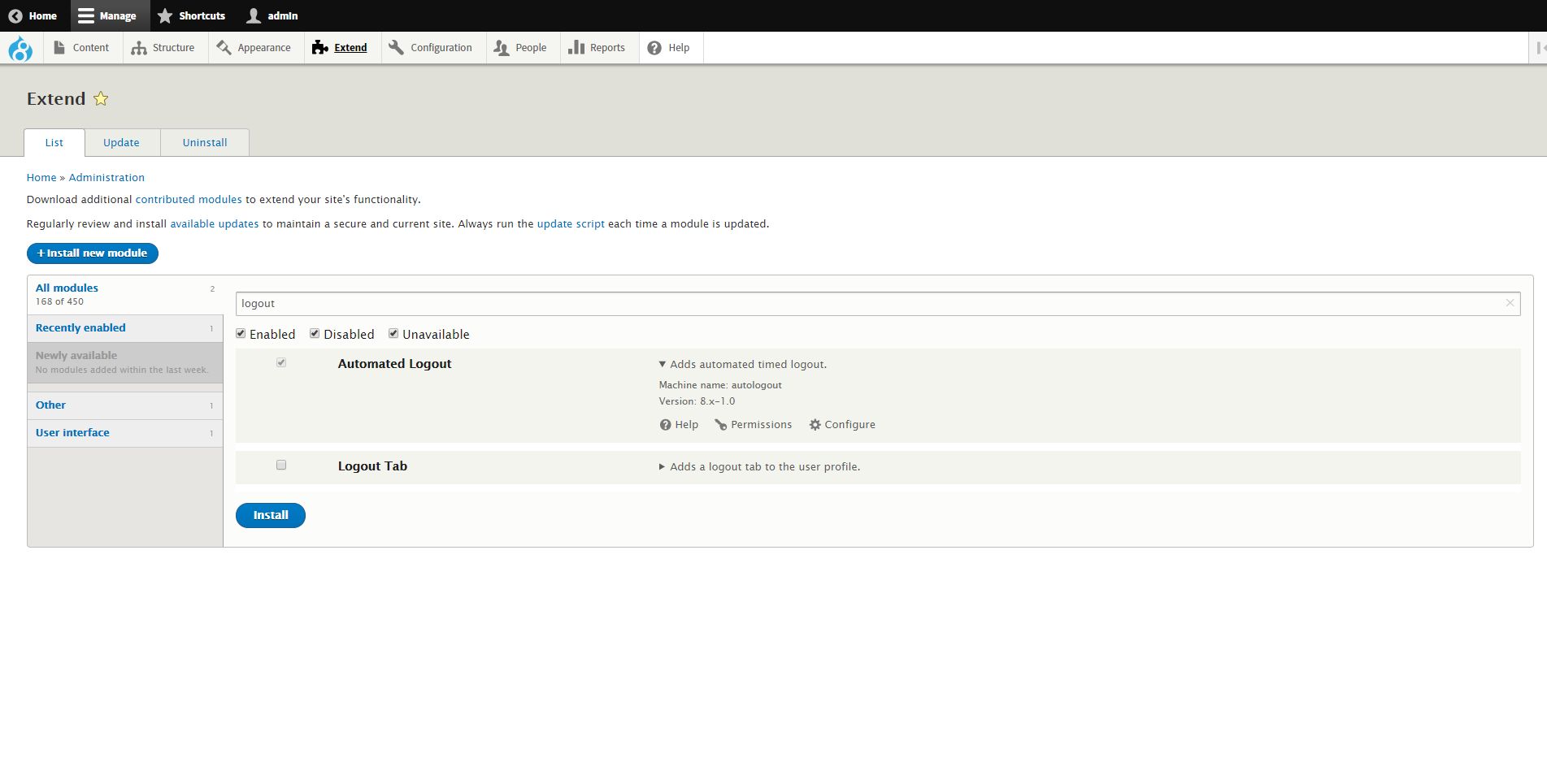
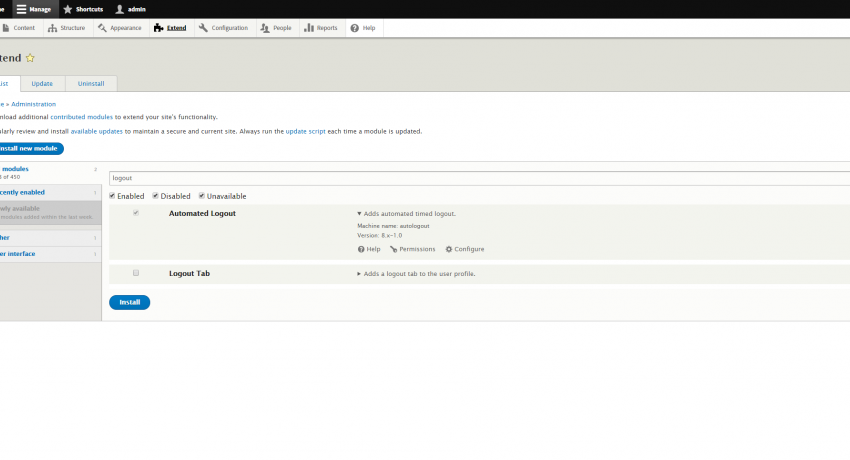
After the module's code is loaded onto the Drupal site using the composer utility, the module needs to be enabled. The module can be enabled either from the Admin GUI or by using the shell command line drush or drupal console utilities.
Configuration
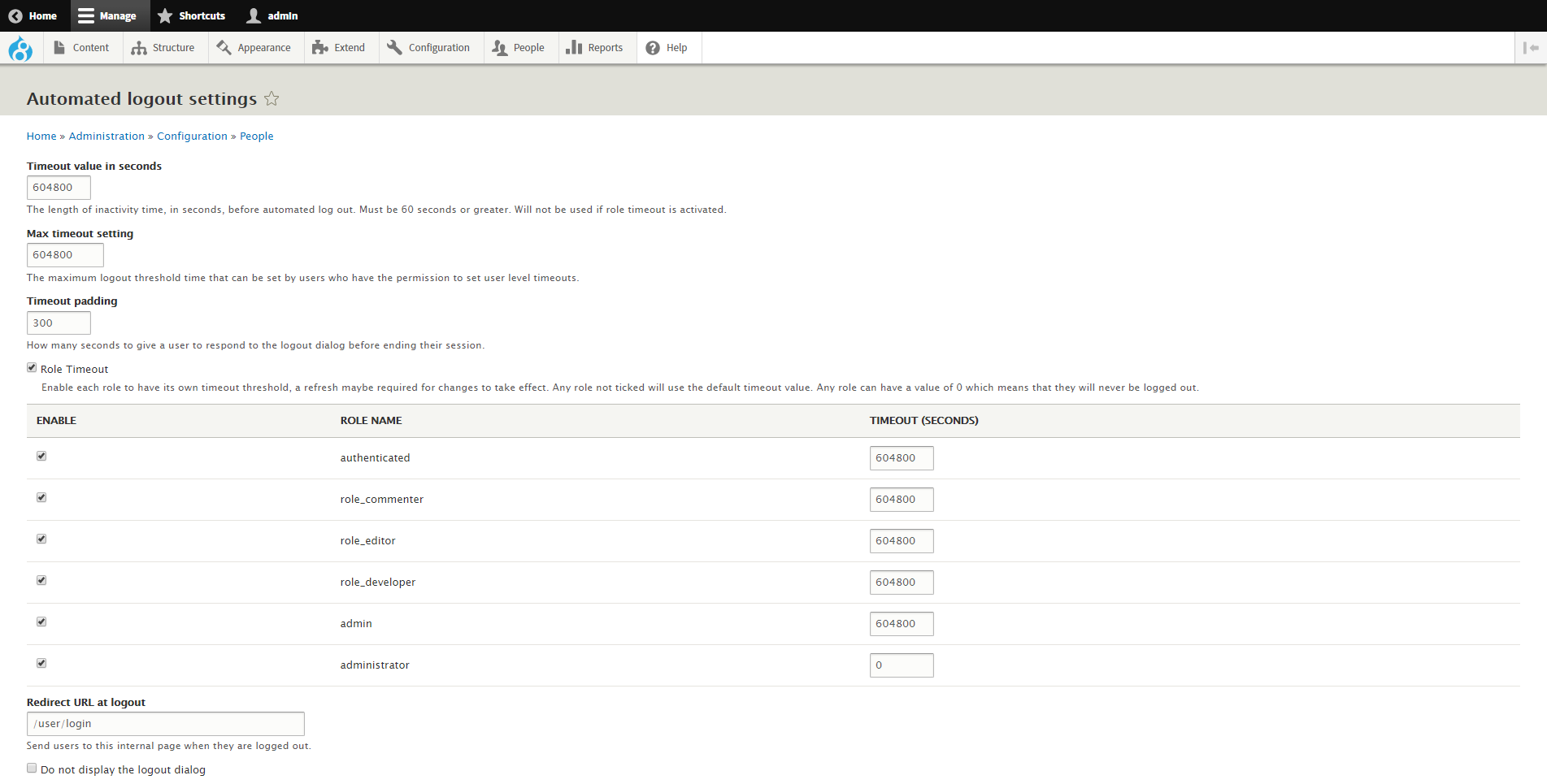
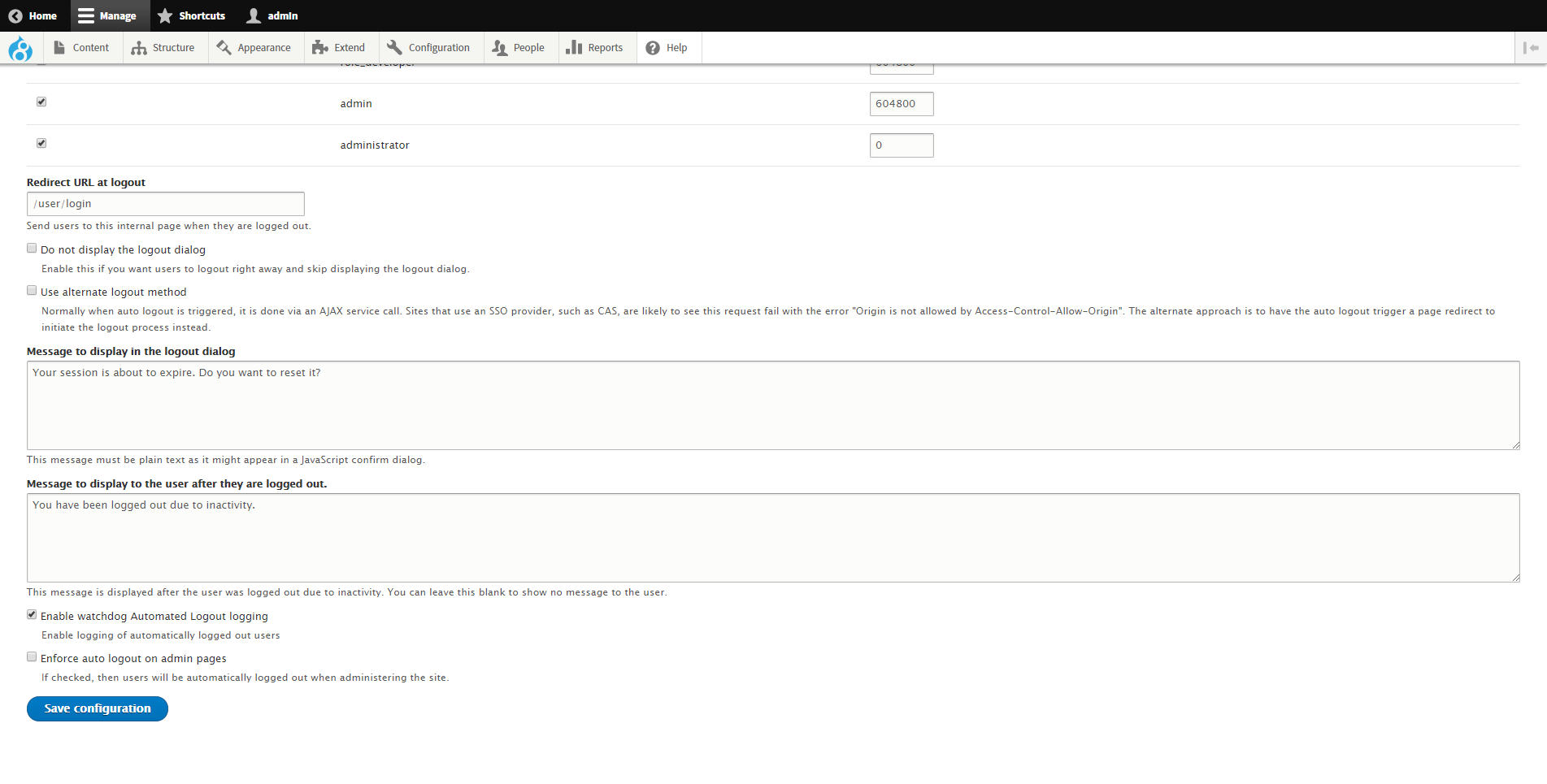
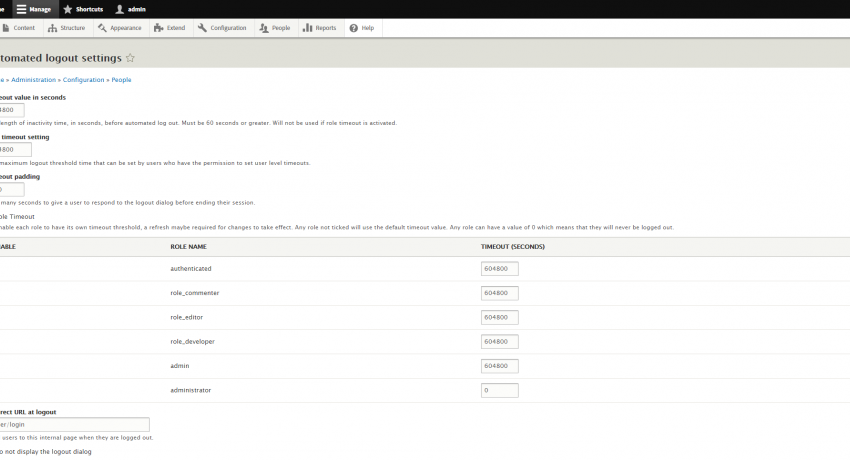
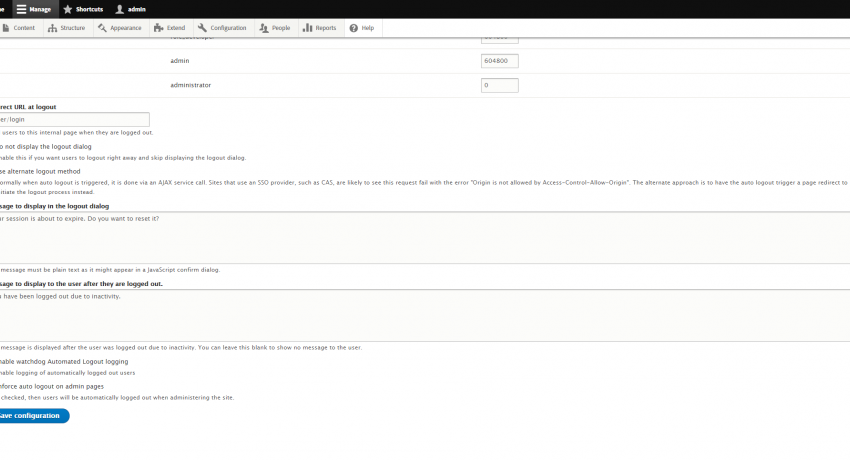
Once the module's code has been installed and the module has been enabled, the module can be configured via the website's administration page at the website's, located at the admin/config/people/autologout URL suffix.