
Search404 Module Installation
The Search404 module redirects HTTP Error 404, page not found, errors to the Drupal search page. This module is good for SEO because search engines no longer detect page not found errors because all missing pages get redirected to the Drupal search page.
To install the Search404 Module, first load the code onto the Drupal site's server using the SSH command line composer utility. From the SSH command line, use the composer utility to add the module's code the website's server. The composer utility shell command via SSH is:
php composer.phar require drupal/search404
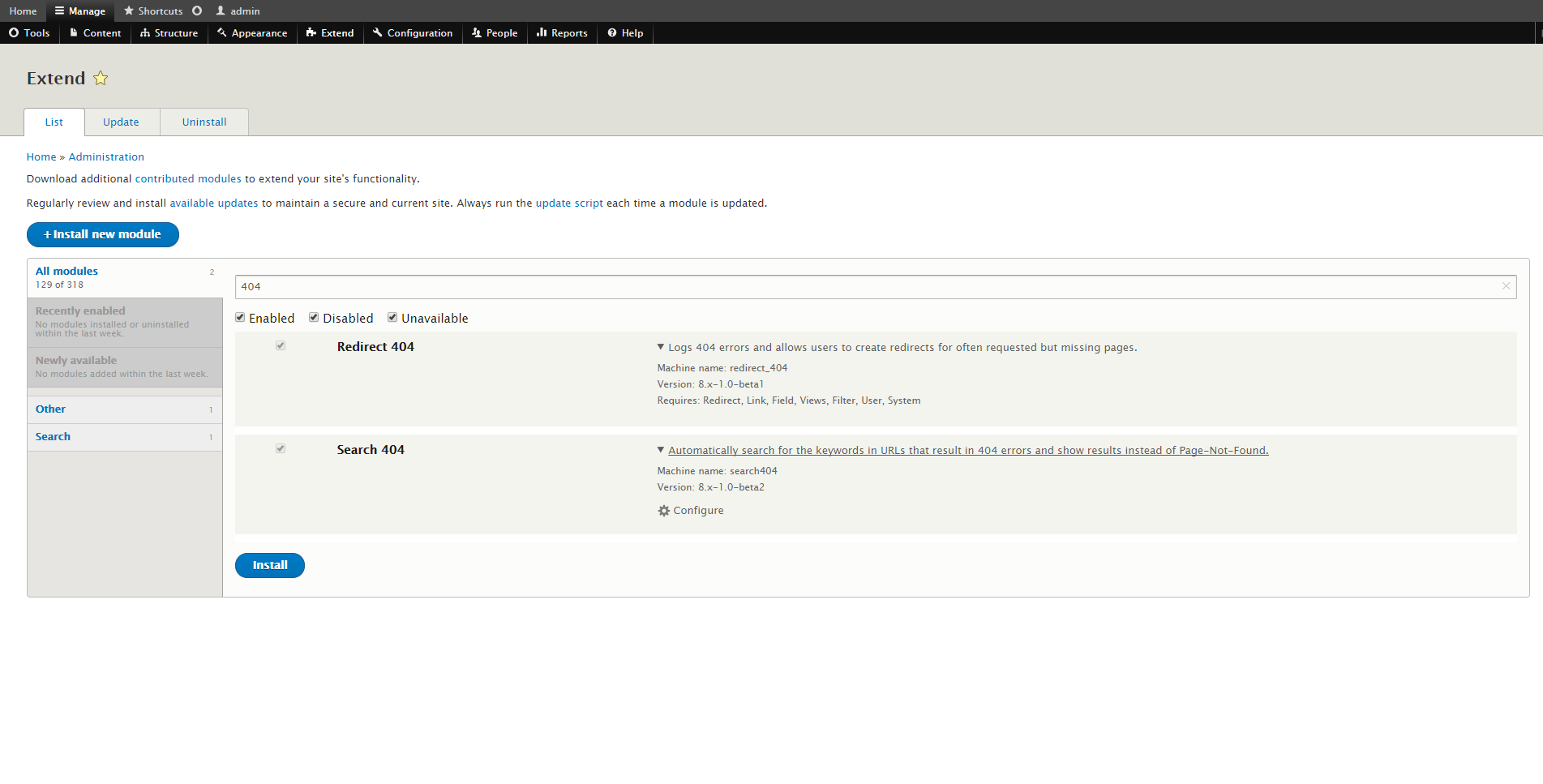
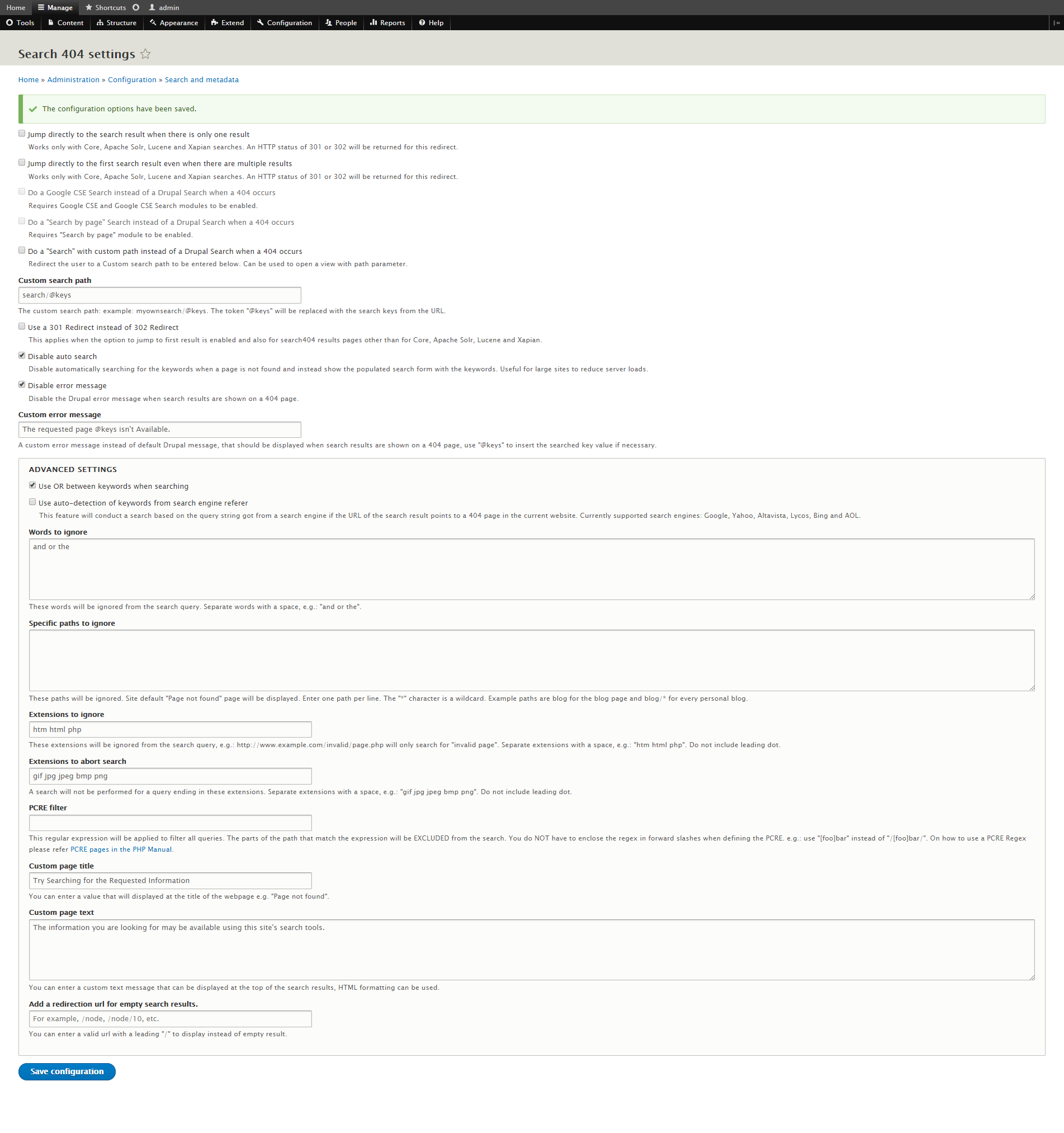
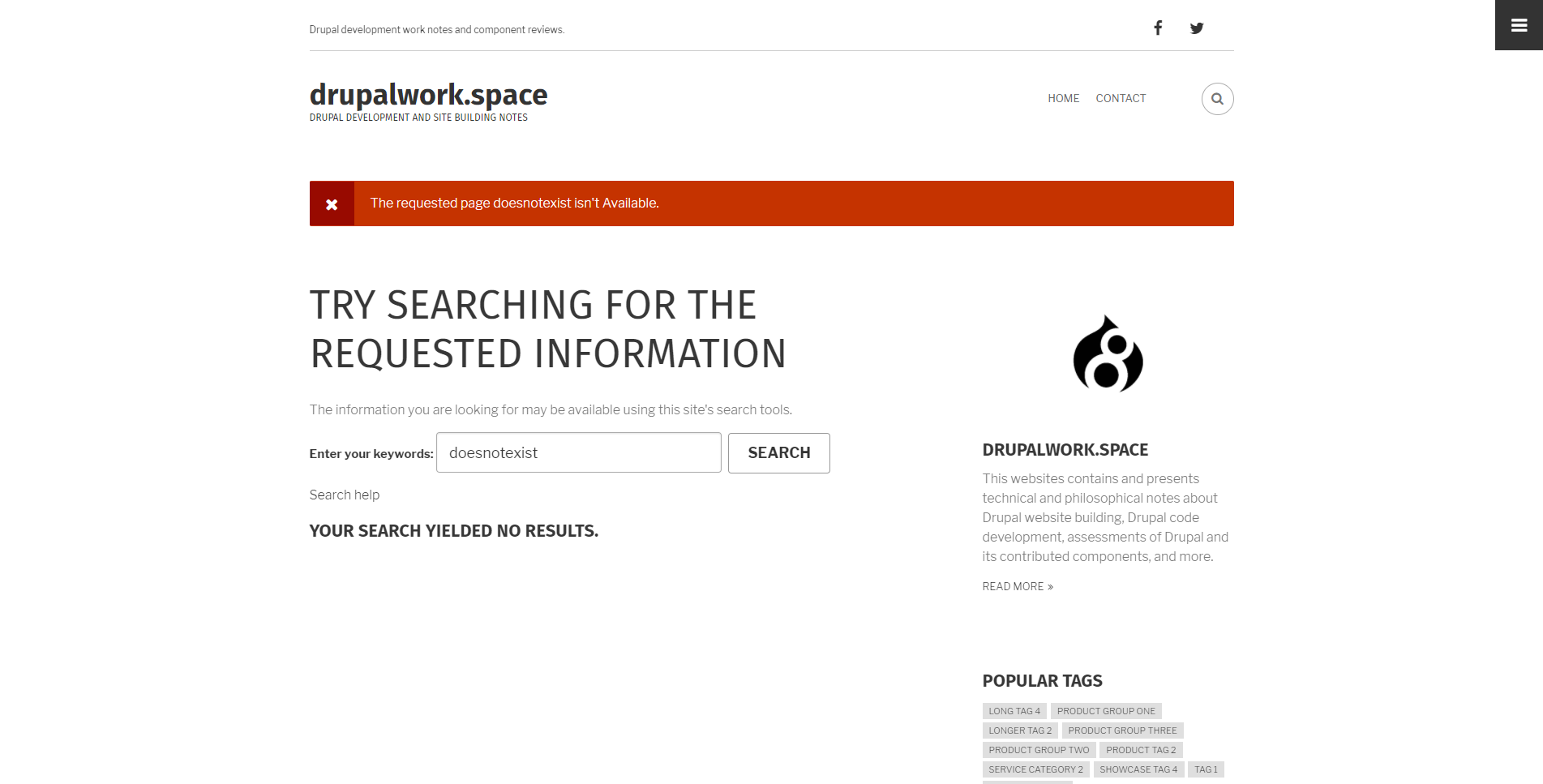
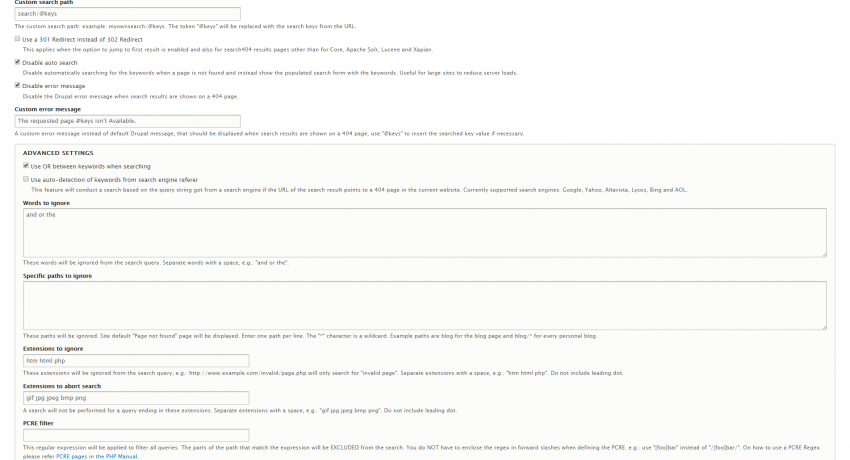
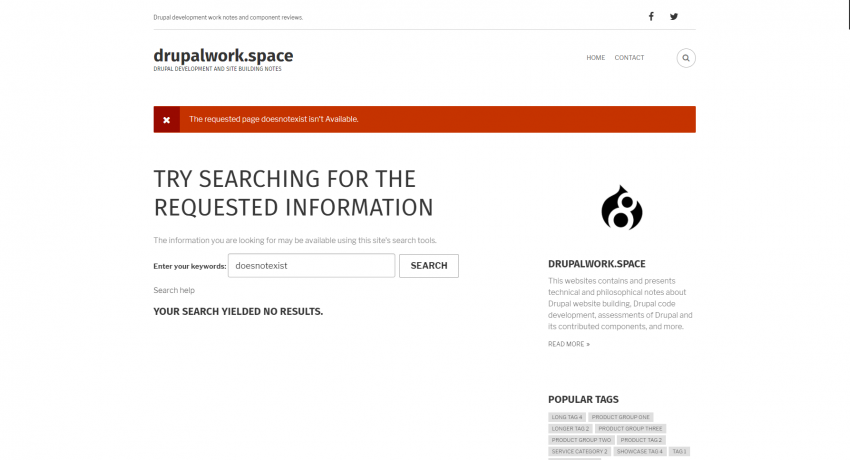
Next, enable the Search404 module at the site's admin/modules admin GUI page. Then customize the module's settings at the site's newly created admin GUI configuration page at the admin/config/search/search404 URL. The second image above shows one of various customization styles for the module. Lastly, test the module by entering a site URL that doesn't exist. If the module is working properly, the Drupal website search page will appear and display the custom settings entered via the module's configuration page.